Creating a home workspace that feels cozy yet helps you stay productive can be a game-changer for your daily routine. Whether you work remotely, freelance, or just need a dedicated area for tasks, a well-thought-out workspace encourages focus and comfort. Here are some helpful tips to design a space that works for you.
Choose the Right Location
Selecting the right spot in your home is the first step. Look for a quiet area with minimal distractions and enough room for your essentials. Ideally, choose a space near a window to benefit from natural light, which can improve mood and reduce eye strain.
Invest in Comfortable Seating
Your chair plays a big role in your comfort and posture. Pick an ergonomic chair that supports your back, especially if you spend hours sitting. Adjustable features like height and armrests can help customize the fit to your body.
Optimize Desk Setup
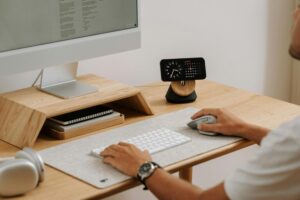
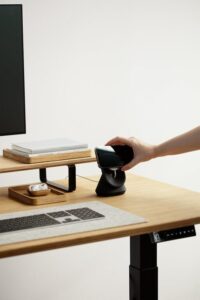
The desk is your workspace foundation. Ensure it’s spacious enough for your computer, notebook, and any tools you need. Consider a desk with storage options to keep the surface clear and organized.
Ergonomics Matter
– Position your monitor at eye level to avoid neck strain.
– Keep your keyboard and mouse within easy reach.
– Use a footrest if your feet don’t touch the floor comfortably.
Control Lighting
Good lighting reduces eye fatigue and creates a welcoming atmosphere.
– Use natural light as much as possible.
– Add a desk lamp with adjustable brightness for evenings.
– Avoid harsh overhead lighting that creates glare on screens.
Personalize Your Space
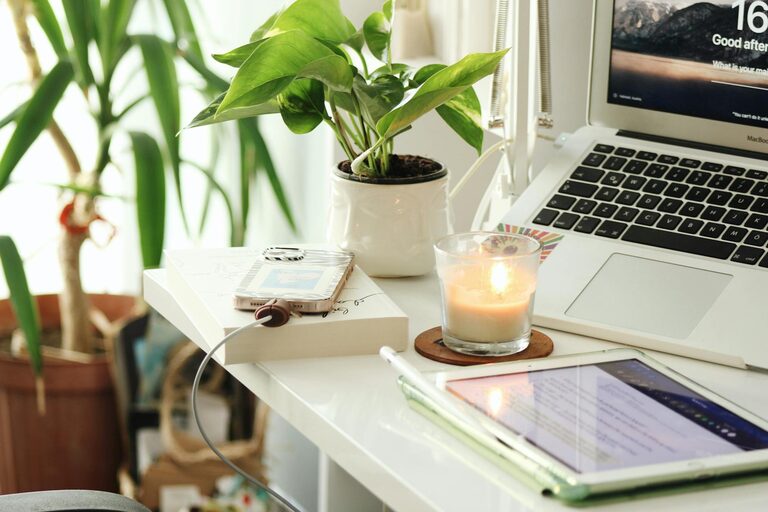
Add personal touches like plants, artwork, or photos to make the area inviting. Greenery not only decorates but also improves air quality and reduces stress.
Manage Noise
If noise is a problem, consider noise-canceling headphones or white noise machines to block distractions. Alternatively, soft background music can enhance focus for some people.
Keep Organized
Clutter can undermine productivity. Use organizers such as trays, shelves, or drawer dividers to keep supplies tidy. Regularly declutter to maintain a clear workspace.
Establish Boundaries
Setting boundaries helps separate work and relaxation, especially in shared spaces.
– Use room dividers or curtains if possible.
– Communicate your work hours with family or roommates.
– Close the workspace at the end of the day to unwind.
Incorporate Movement
Sitting for long periods isn’t ideal. Incorporate movement by:
– Taking short breaks to stretch.
– Using a standing desk or adjustable workspace.
– Doing simple exercises near your workspace.
Stay Hydrated and Snack Wisely
Keep a water bottle nearby to stay hydrated. Choose healthy snacks to maintain energy and avoid sugar crashes.
Use Technology to Your Advantage
Employ apps and tools that help organize tasks, set reminders, or manage time effectively. Digital calendars and to-do lists can keep you on track.
—
By thoughtfully designing your home workspace with these tips, you can create an environment that’s both cozy and productive. A space that suits your needs and preferences encourages motivation and makes working from home more enjoyable.